LendLoop
A local iPhone and iPad app for keeping borrowed and lent items, due dates, people, return status, and handoff notes in one clear loop.
See what is still out
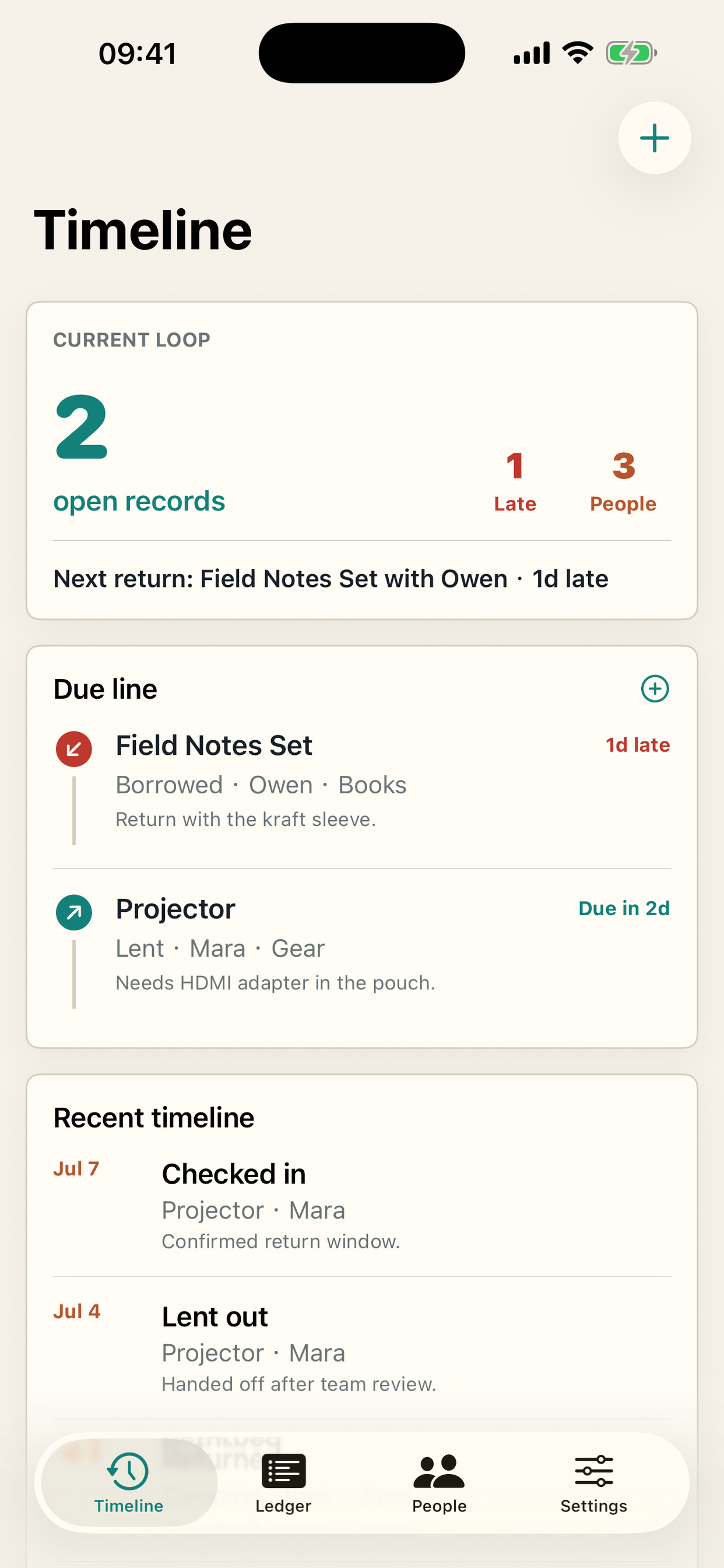
The Timeline tab highlights open records, late items, people involved, next return details, and recent handoff events. It is built for quick checks before a message, meetup, or return day.
Due line
Open records stay grouped by urgency, including late and upcoming items.
Event history
Recent lending actions remain visible so the record has context, not just status.
Keep the record compact
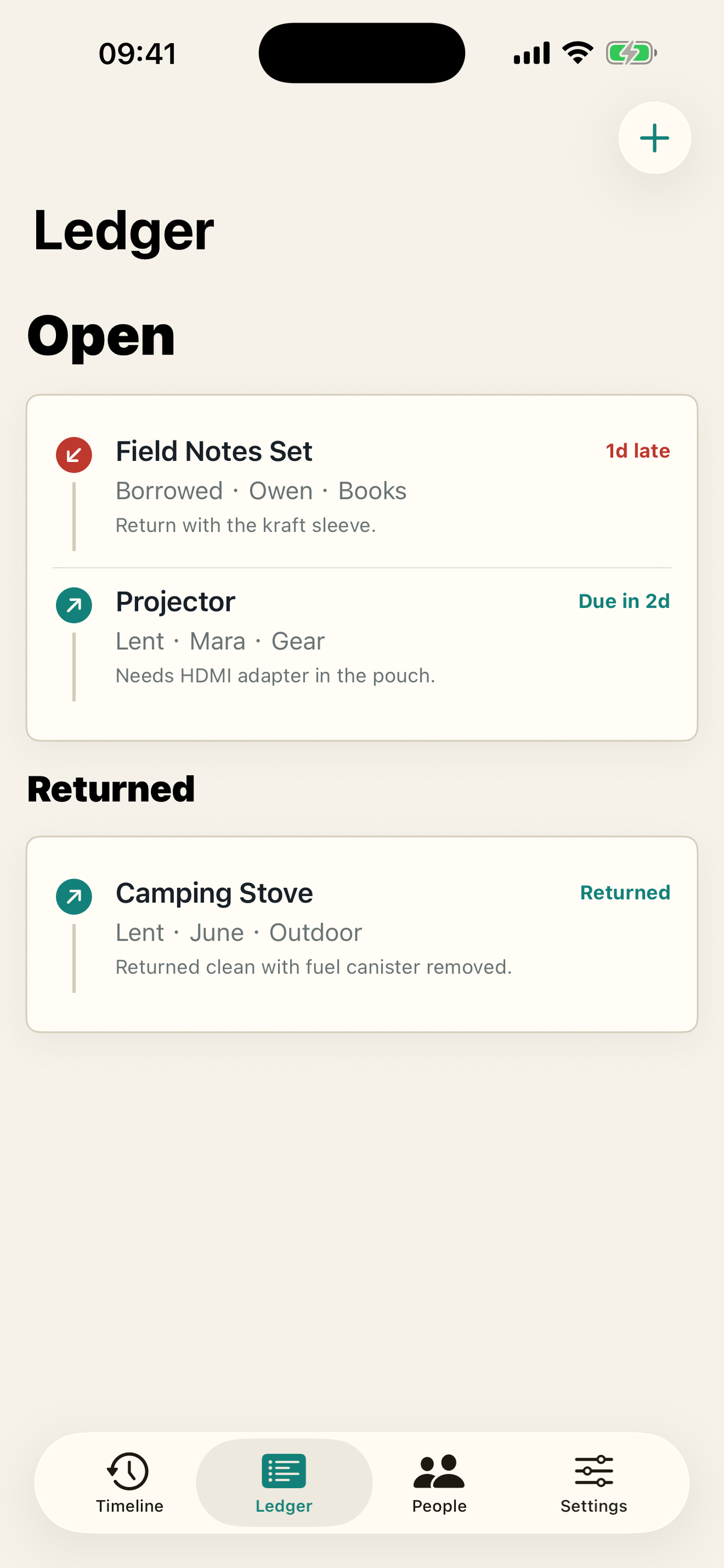
The Ledger tab stores item name, person, direction, category, due date, notes, and return state. The iPad layout shows the record list, active workspace, and selected item details together.
Review who is connected to each loop
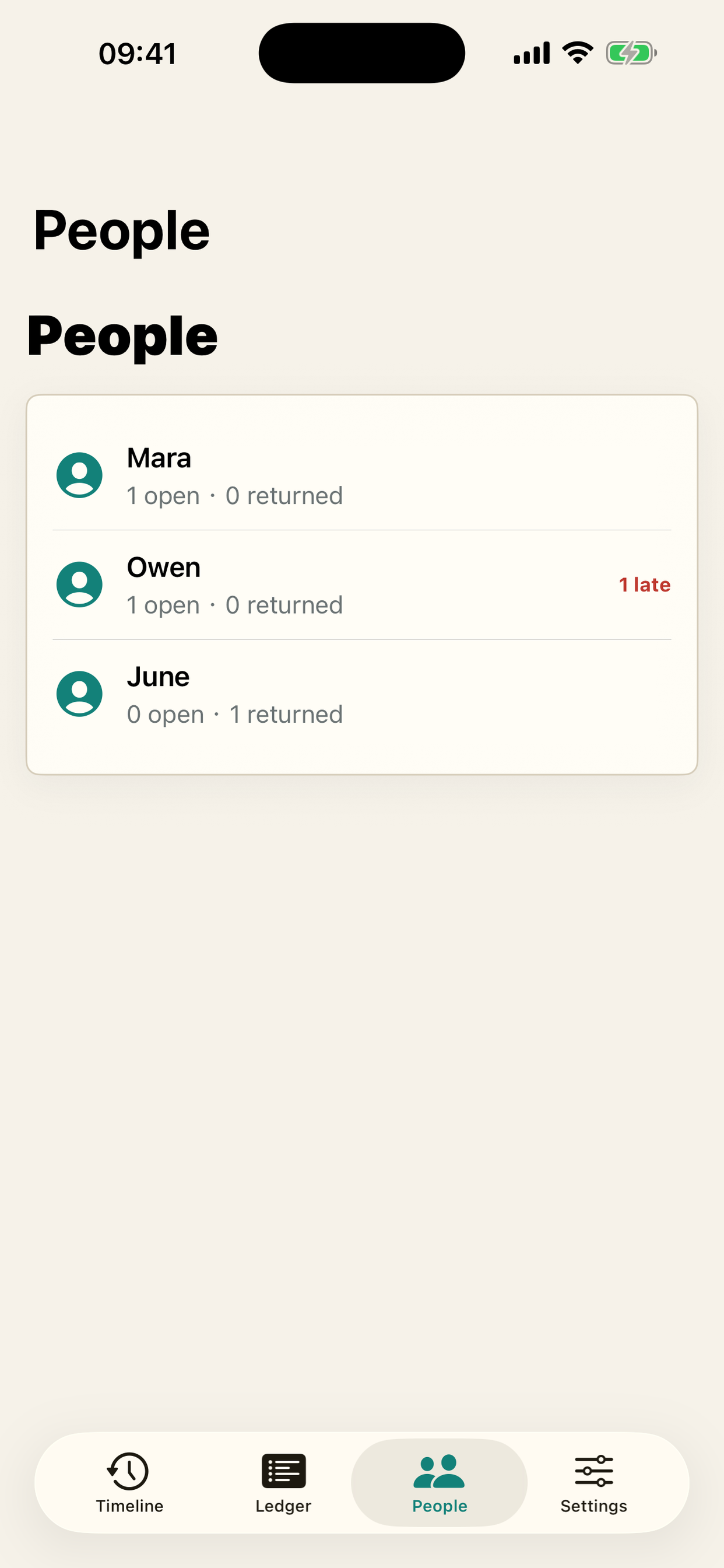
People summaries show open, late, and returned counts per person. This makes it easier to know whether the next action is a reminder, a return, or a quick edit.
Help and questions
Frequently asked questions
- No account is required.
- Records are kept on the device unless you export a backup yourself.
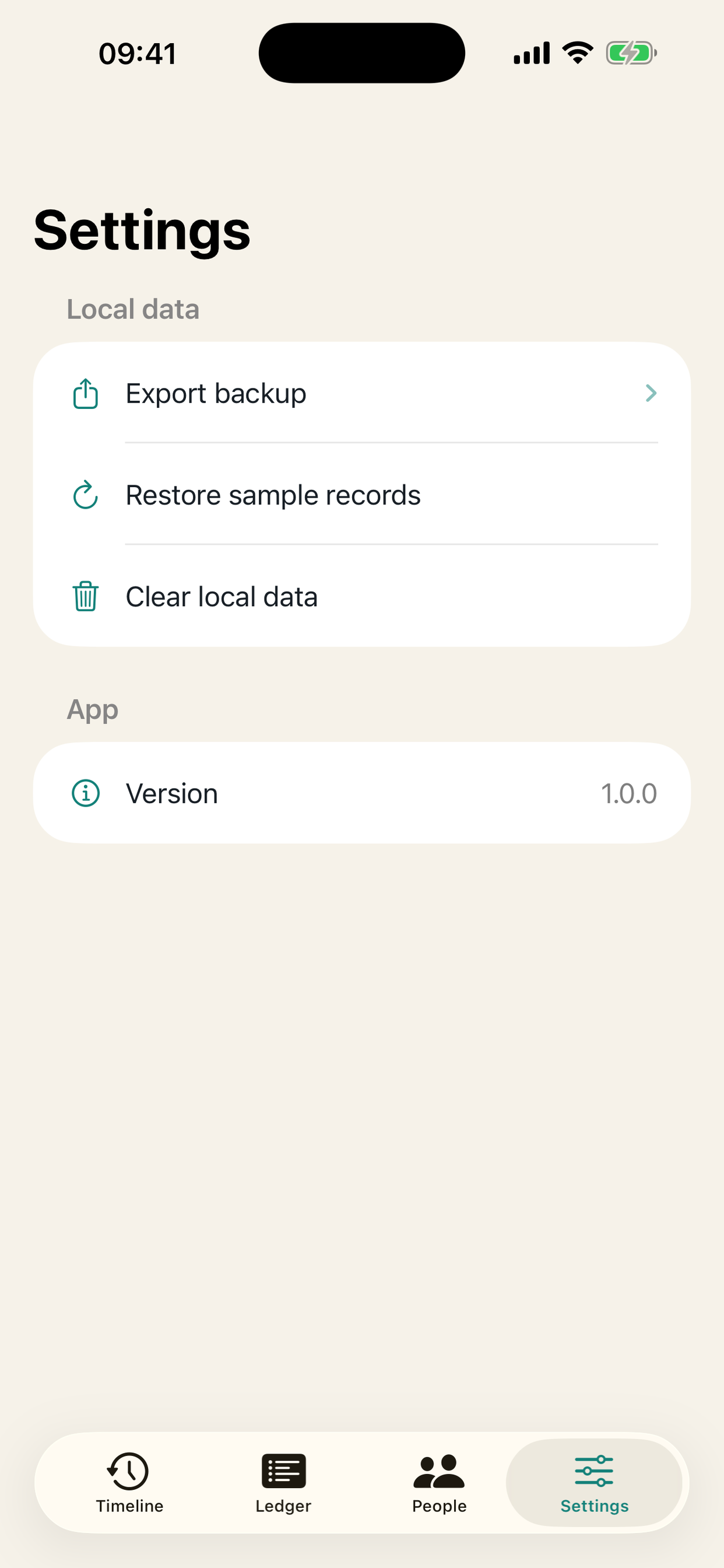
- Use Settings to restore starter records or clear local data.
- Use Export backup before clearing data if you want to keep a copy.
Troubleshooting
- If a record looks wrong, open it from Ledger and adjust the due date or return status.
- If the app is offline, lending records still remain available and feedback can be retried later.
- If local data is no longer needed, clear it from Settings.
- For support, email 362437504@qq.com.
Privacy summary
LendLoop has no account system, no advertising, and no cross-app tracking. Lending records are stored locally on the device. A text backup is created only when the user chooses Export backup, and feedback is transmitted only when the user chooses Send feedback.